
Arch Linux
AUR
kotora builds from the release source.
$ yay -S kotoraIt installs kotora, kot, the menu entry and the icons, and update with your system.
If you used Taiga on Windows, you know the habit: press play, and your list keeps itself up to date. Kotora brings that habit to macOS and Linux. It is a new app, written from scratch, and a small thank-you to the one that came first.
Not a fork and not affiliated with Taiga or its developers
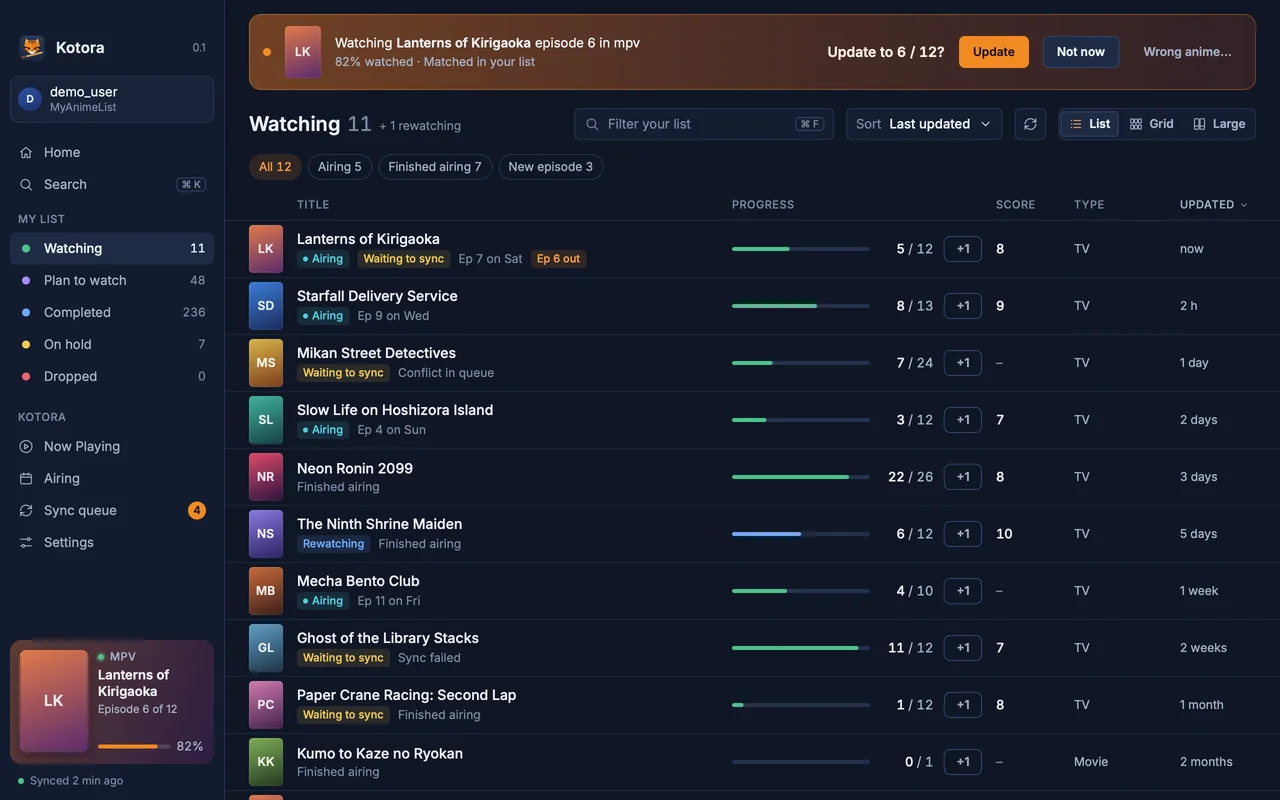
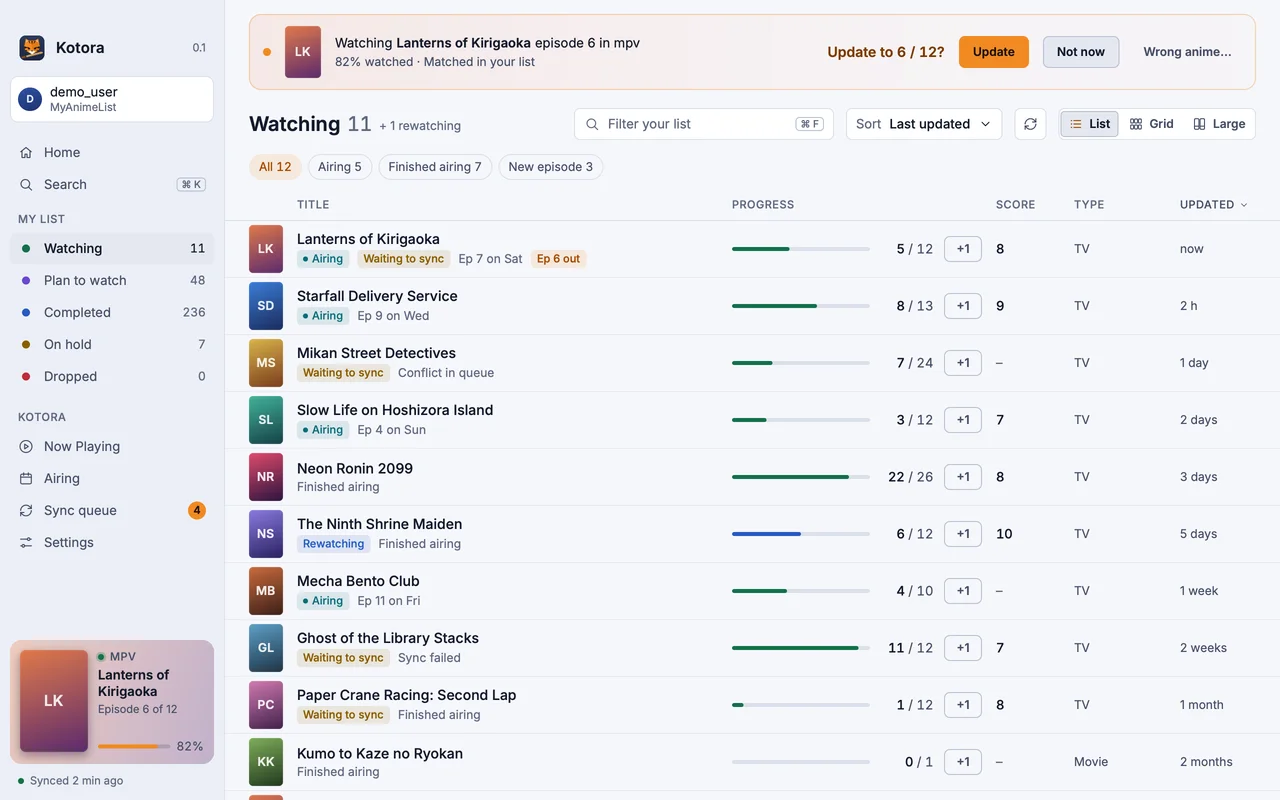
Taiga, by erengy, has been the anime tracker on Windows for years, and it is very good at it. Its developers are working on a cross-platform version 2, and we cheer for it. Kotora exists because many of us moved to Linux or a Mac and missed it. The name says so: 小虎, ko-tora, a little tiger following a big one.
| Kotora | Taiga | |
|---|---|---|
| Systems | Linux and macOS | Windows (v2 is cross-platform work in progress) |
| Services | MyAnimeList; AniList planned for v0.3 | MyAnimeList, AniList, Kitsu |
| Player setup | None: players are found by their open file; optional one-click precise mode for mpv and IINA | Automatic for most players, from window titles |
| Offline edits | A visible sync queue with side-by-side conflicts | Queued updates |
| Torrent feeds | None, on purpose | Built in |
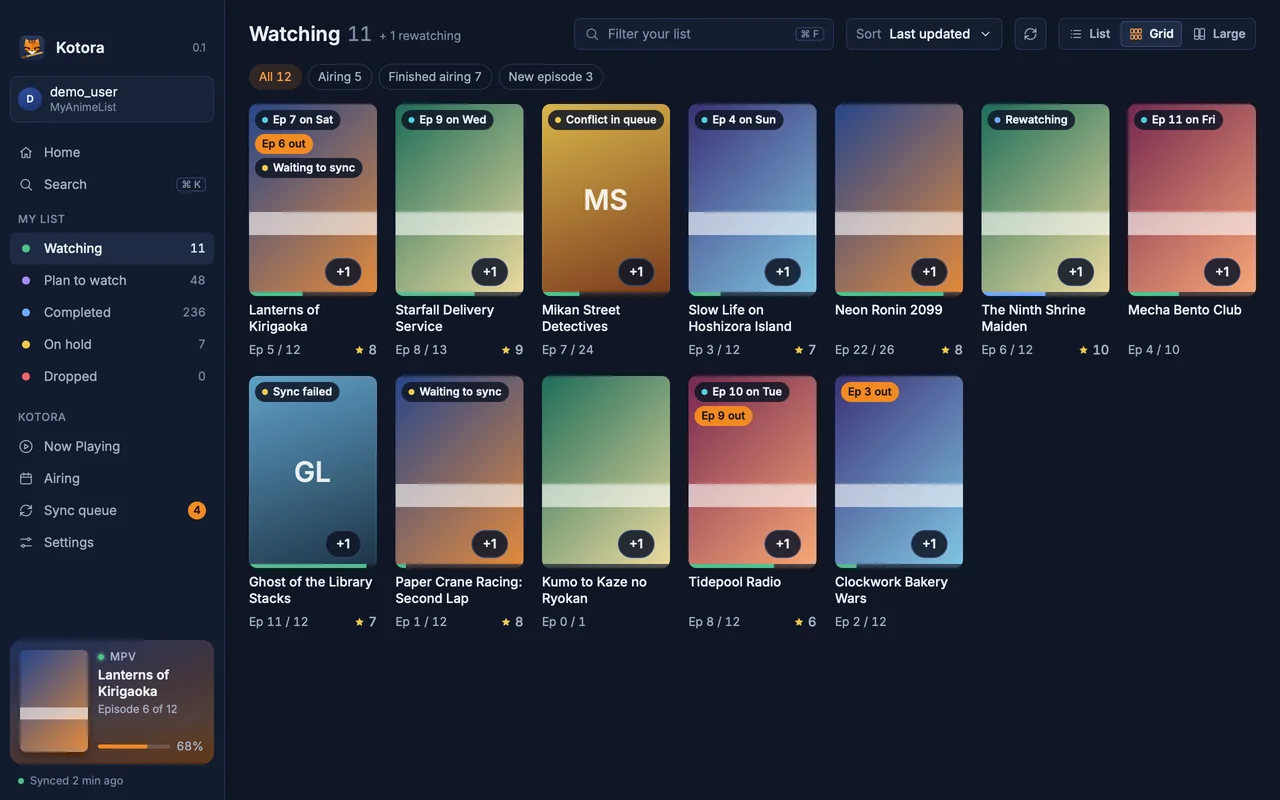
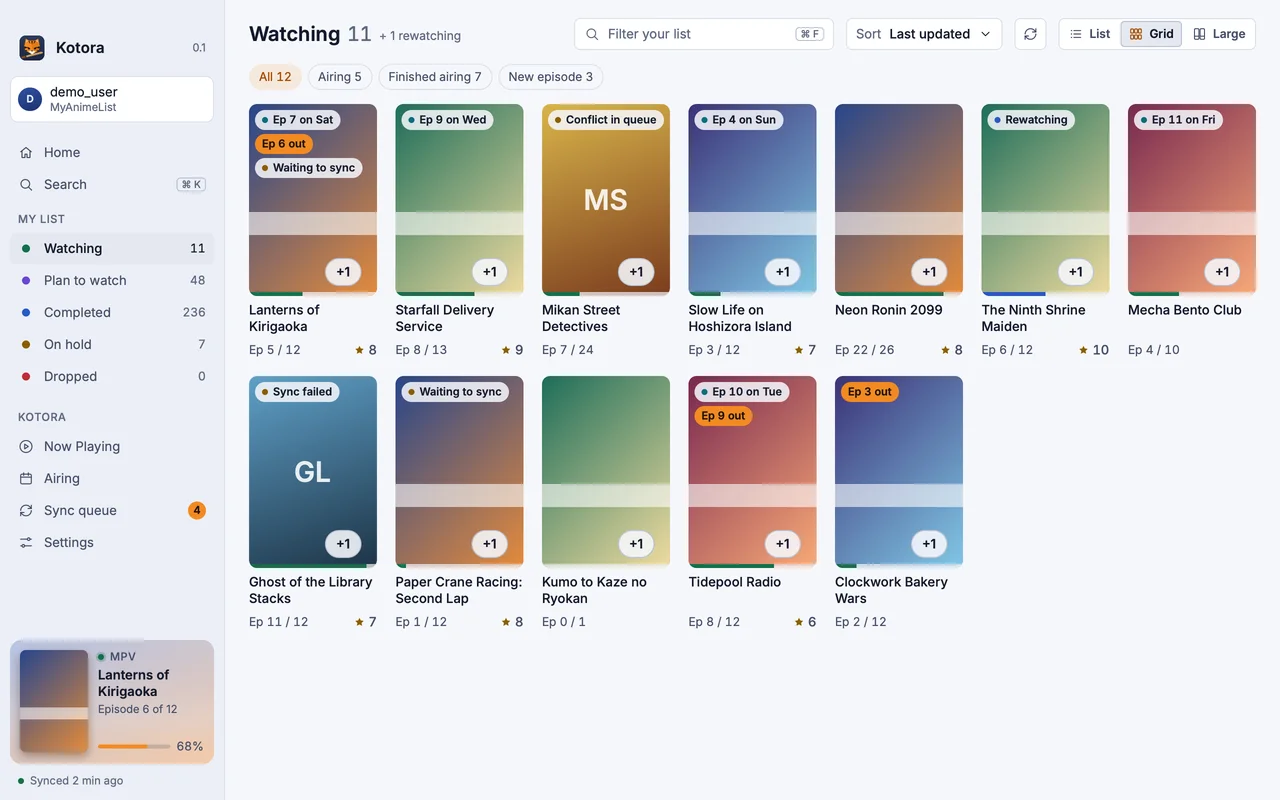
Kotora is younger and does less. It has no torrent feeds, no manga yet and one service for now. What it adds is mostly about the platform: native on Linux (Wayland and X11) and the Mac, a GPU-drawn interface with no web view, detection by open file that works on Wayland, an offline-first queue you can always see, and kot, a command line for the running app.
Arch Linux
kotora builds from the release source.
$ yay -S kotoraIt installs kotora, kot, the menu entry and the icons, and update with your system.
macOS
Apple silicon, macOS 13 or later. Open the DMG and drag Kotora to Applications.
Download the DMG$ brew install --cask hanami117/kotora/kotoraKotora is not notarized yet: at the first start, open System Settings → Privacy & Security and click Open Anyway.
Any Linux
Needs Rust, git, pkgconf and a Vulkan driver.
$ git clone https://github.com/hanami117/kotora
$ cd kotora && ./install.sh
Installs into ~/.local/bin with the menu entry. Run it again after git pull to update.
At the first start you sign in with MyAnimeList. MyAnimeList asks every app user for a free Client ID; Kotora’s Welcome page walks you through it in about a minute, with no file editing.
All downloads: the latest release on GitHub (source tarball and checksums too).
No. Kotora is written from scratch in Rust for Linux and macOS. It borrows Taiga's idea and its name is a nod to it, but it shares no code and is not affiliated with Taiga or its developers.
No. On Windows, use Taiga, the tracker that inspired Kotora.
Your list lives on MyAnimeList, not in Taiga or Kotora. Sign in to the same account in Kotora and your list is there.
Not yet. Kotora 0.1 supports MyAnimeList. AniList is planned for v0.3.