Kotora keeps your MyAnimeList up to date while you watch in your own player. Press play in IINA, mpv or VLC: Kotora notices the episode and asks once before it records it. Free and open source, and native on Apple silicon.
Apple silicon · macOS 13 or later · GPL-3.0 · no account of ours, no telemetry
Kotora
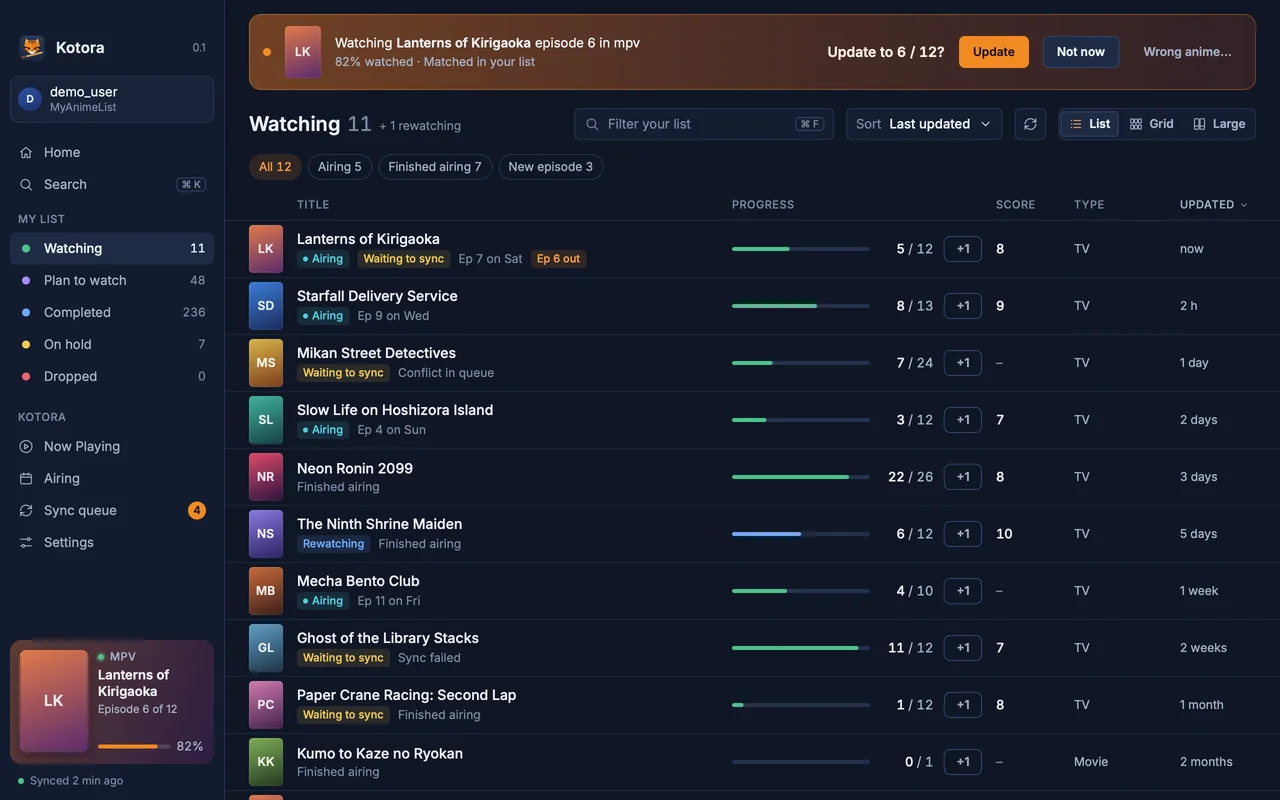
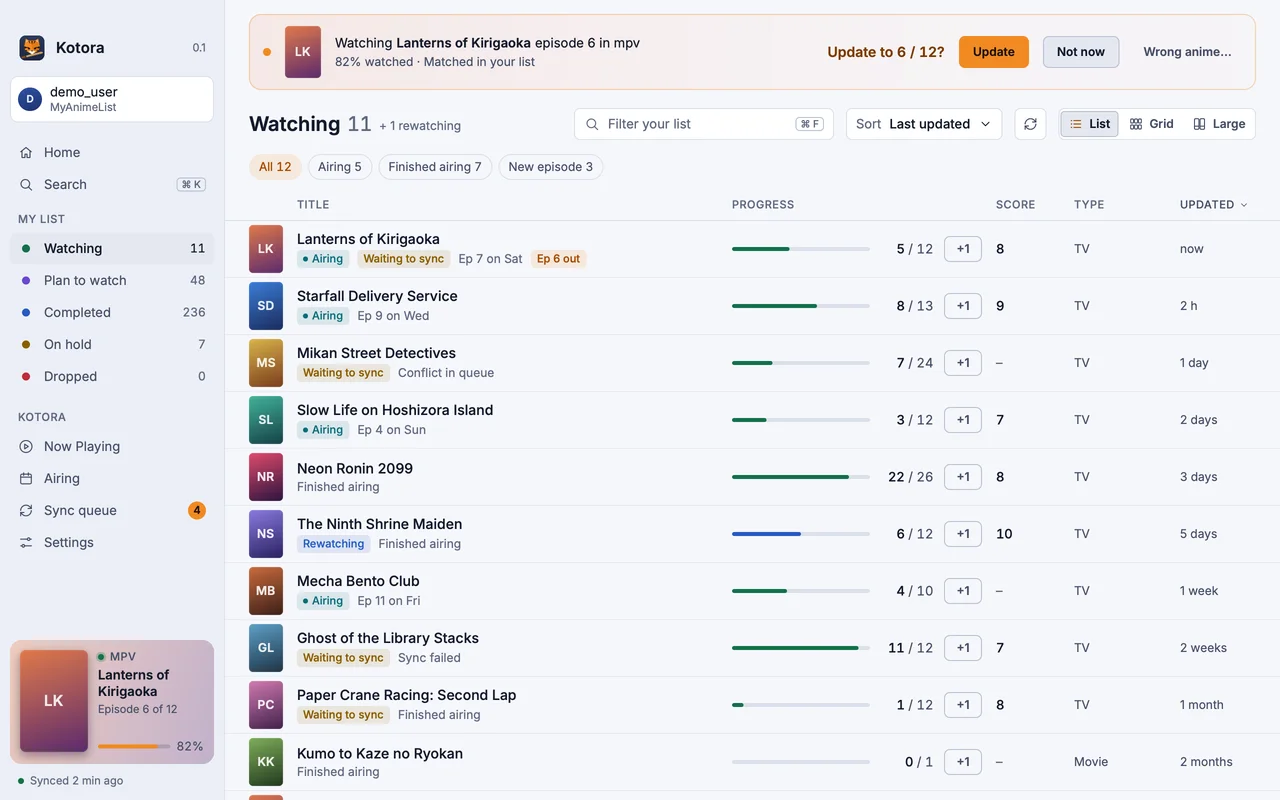
The banner: an episode counts as watched, and Kotora asks once. Update, Not now, or Wrong anime…
Why a tracker on the Mac
Typing “episode 7” into a website after every episode gets old, and sooner or later you forget one. On Windows, Taiga solved that years ago. On the Mac there was little left that still worked. Kotora is a small, native app for it: it sits in the menu bar, sleeps until a player opens a video, and speaks up only when an episode counts as watched.
Players on macOS
IINA. Seen by the video file it has open, with no setup. Because IINA is mpv inside, you can turn on precise detection in Settings with one click when IINA uses a config folder; then Kotora uses the exact position.
mpv. The same: no setup, and precise detection adds one line to your mpv.conf, only when you click it.
VLC. Seen by its open file. For the position, you can turn on VLC’s web interface with a password you choose (opt-in).
Streaming sites in the browser are not Kotora’s job: use the MAL-Sync extension for those.
Made for the Mac
A menu bar tiger. Close the window and Kotora keeps watching from the menu bar, so detection keeps working.
Open at login. Settings can make Kotora a login item that starts in the background. It shows up in System Settings → General → Login Items like any other app.
A real menu bar. About, Settings… (⌘,), a Go menu, and light or dark following the system.
Notifications with buttons. Update and Not now, or Undo, right in the notification.
Light. Rust and a GPU-drawn interface. No Electron and no web view.
Your list, offline-first
Your list lives on MyAnimeList; Kotora keeps a local copy so it opens at once and works on a plane. Edits wait in a visible sync queue and go out when you are back online. If MyAnimeList disagrees, you see both sides and choose. More on that on the MyAnimeList app page.
Kotora
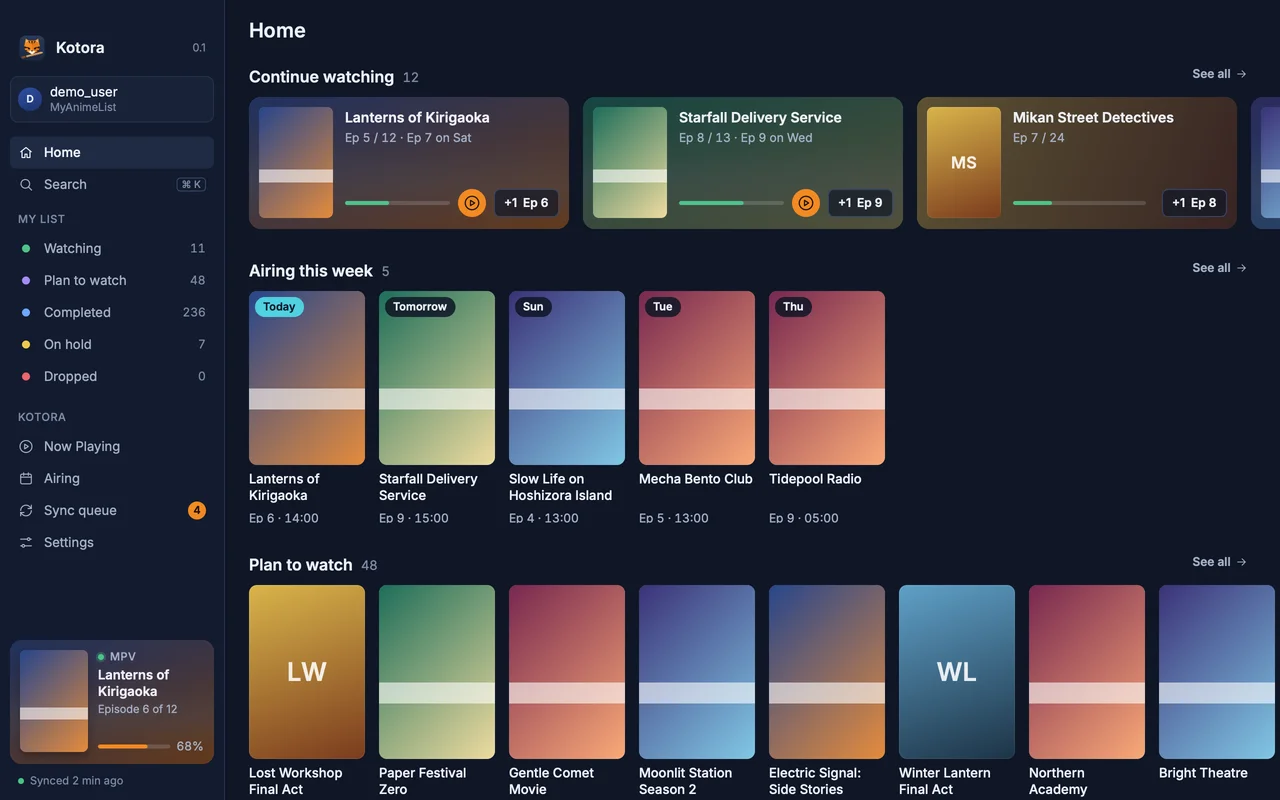
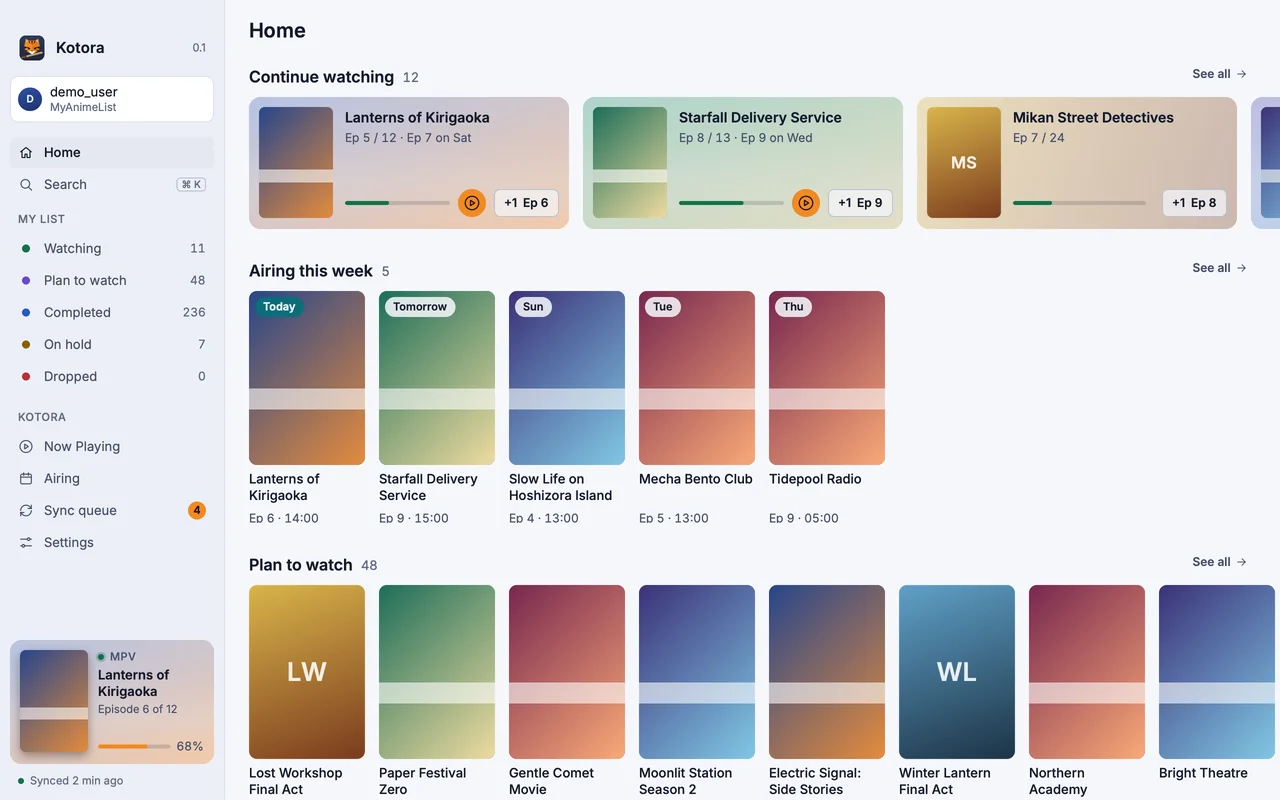
Home: what to continue, what airs this week and what you plan to watch.
Install on macOS
macOS
Disk image or Homebrew
Apple silicon, macOS 13 or later. Open the DMG and drag Kotora to Applications.
It installs kotora, kot, the menu entry and the icons, and update with your system.
Any Linux
From source
Needs Rust, git, pkgconf and a Vulkan driver.
$ git clone https://github.com/hanami117/kotora
$ cd kotora && ./install.sh
Installs into ~/.local/bin with the menu entry. Run it again after git pull to update.
At the first start you sign in with MyAnimeList. MyAnimeList asks every app user for a free Client ID; Kotora’s Welcome page walks you through it in about a minute, with no file editing.
The DMG is built for Apple silicon and needs macOS 13 or later. On an Intel Mac you can build it from source with Rust (see the README on GitHub).
Why does macOS warn me at the first start?
Kotora is ad-hoc signed and not notarized yet. Open System Settings → Privacy & Security and click Open Anyway once; after that it starts normally.
Does it work with IINA without any setup?
Yes. Kotora sees IINA by the video file it has open. An episode counts once the file has stayed open long enough. Precise detection, which uses the exact position, is one optional click in Settings.
Does Kotora change my list without asking?
No. By default it asks every time. You can switch on Update automatically; it still asks when the match is unsure, an episode would be skipped or it hasn't aired yet, and every automatic update has Undo.