
Arch Linux
AUR
kotora builds from the release source.
$ yay -S kotoraIt installs kotora, kot, the menu entry and the icons, and update with your system.
Kotora keeps your MyAnimeList list up to date while you watch in mpv, VLC, mpc-qt, Celluloid, Haruna or SMPlayer. It notices the episode with no setup and asks once before it records it. Native, light, free and open source.
Wayland and X11 · x86_64 and aarch64 · GPL-3.0 · no telemetry
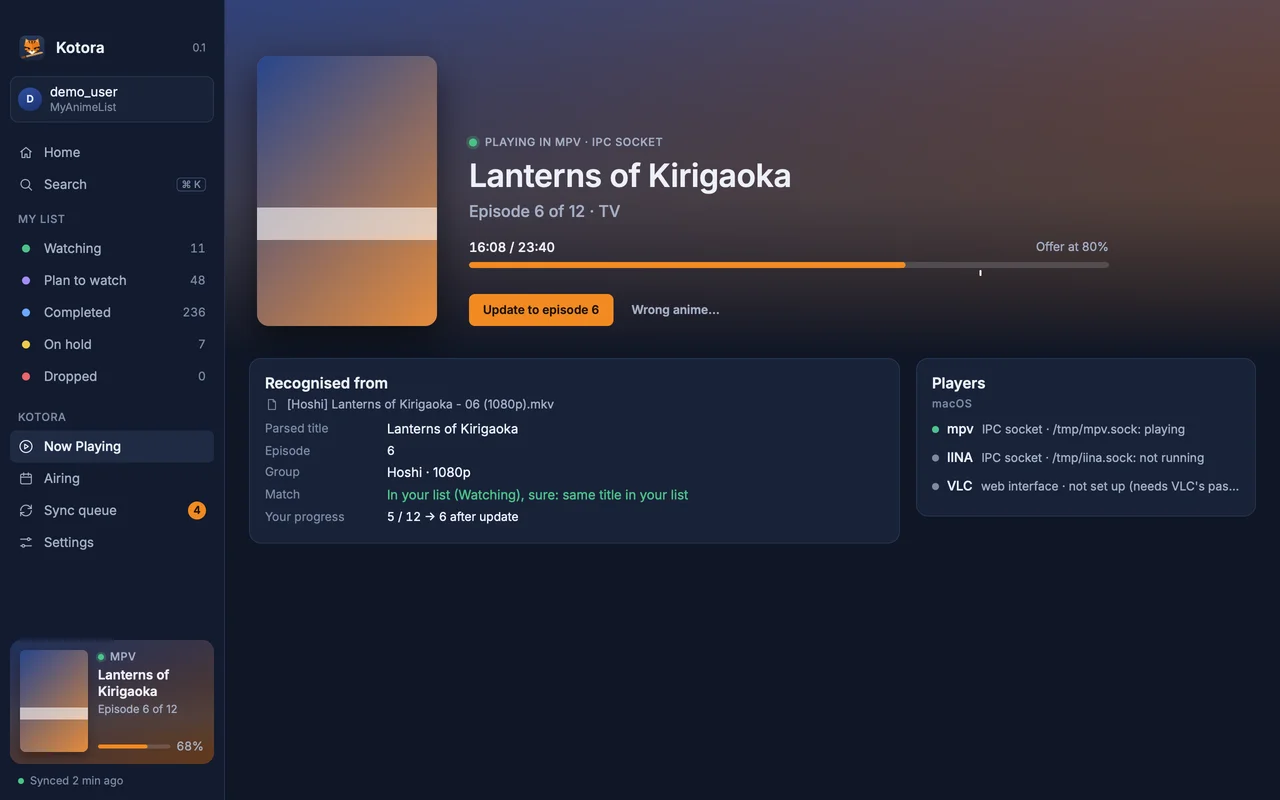
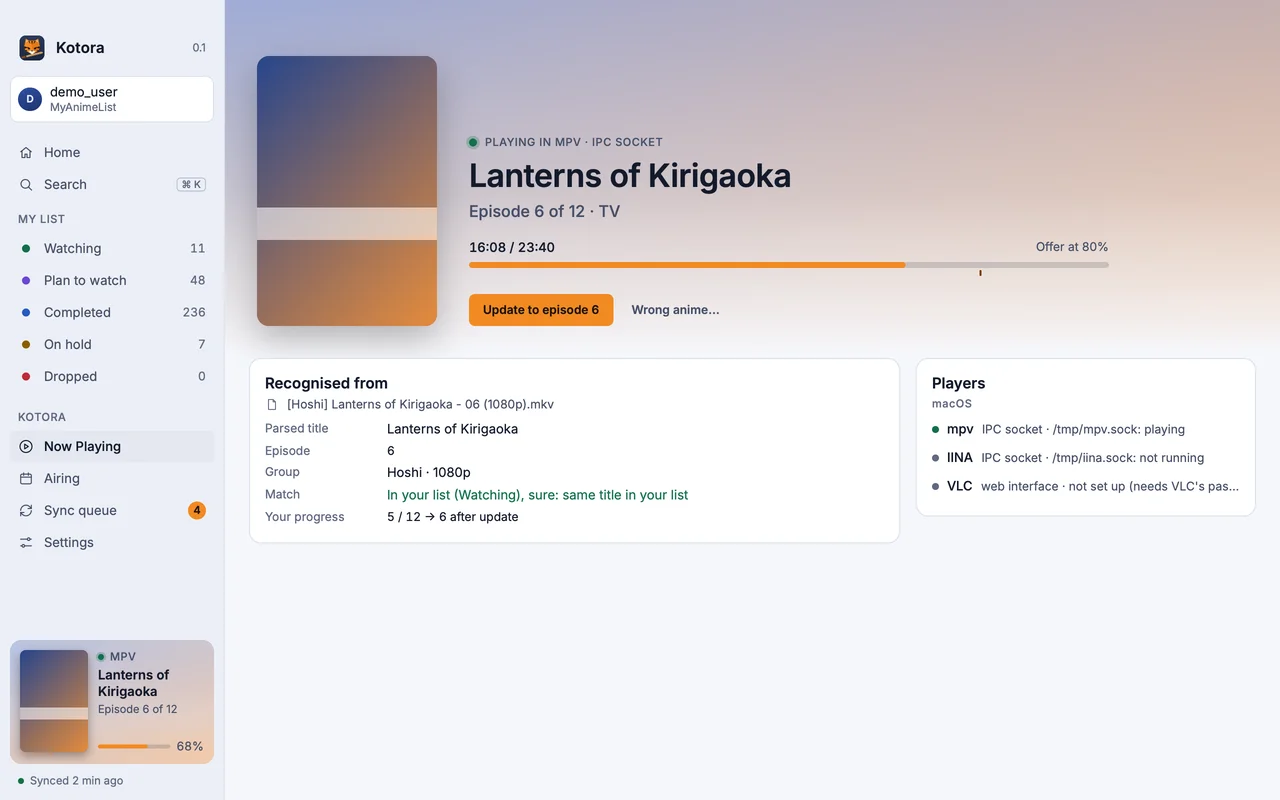
Kotora looks for players that have a video file open, so it works with no config and no plugins. It reads the file name with anitomy-ng (a Rust take on Taiga’s anitomy), checks the folder name and the season, and matches it to your list. Every match says why, and if it guessed wrong, “Wrong anime…” offers the closest titles and remembers your pick.
mpv.conf (an IPC socket), only when you click it. Then an episode counts at 80 %.kot, a command line that talks to the running app over a Unix socket: kot now, kot confirm, kot +1, kot next. Bind it to keys or show it in your bar.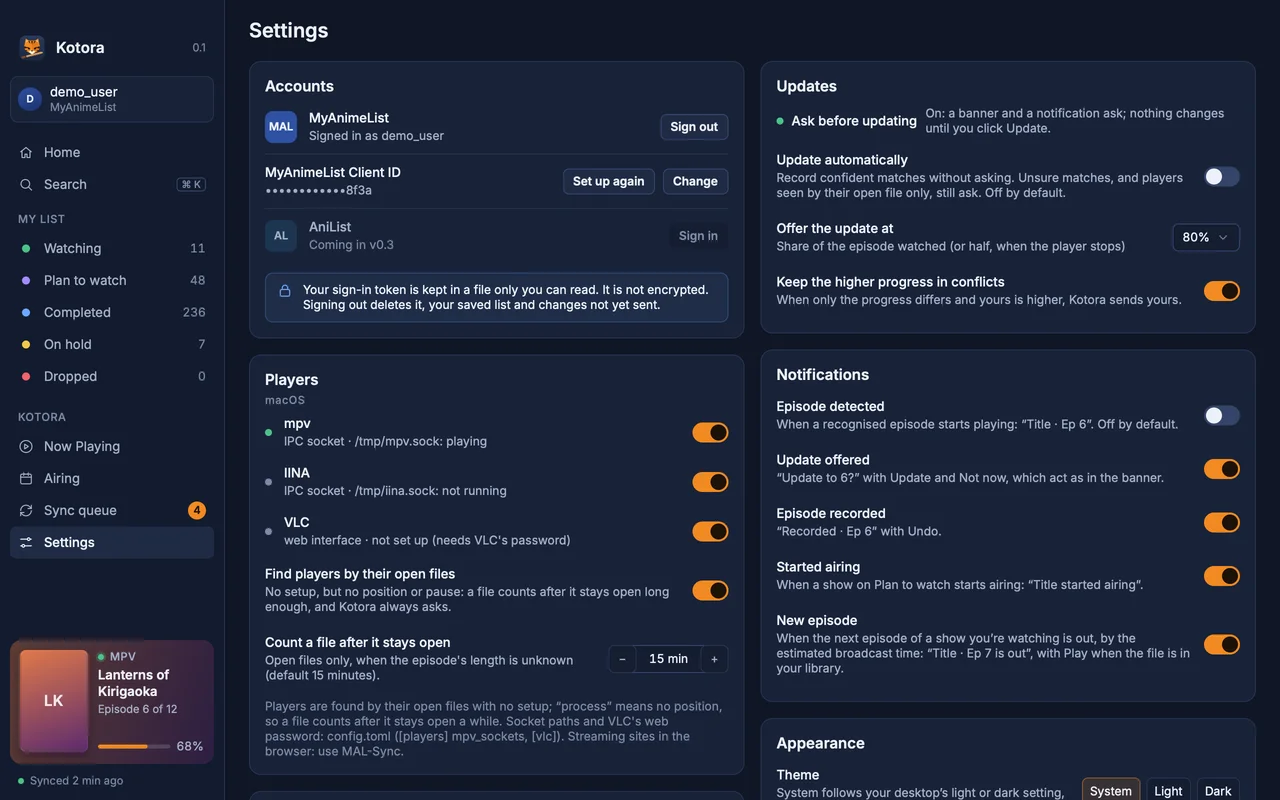
Arch Linux and its derivatives get Kotora from the AUR. On any other distro, build it with the install script; it takes a few minutes with Cargo. There is no AppImage or Flatpak yet.
Arch Linux
kotora builds from the release source.
$ yay -S kotoraIt installs kotora, kot, the menu entry and the icons, and update with your system.
Any Linux
Needs Rust, git, pkgconf and a Vulkan driver.
$ git clone https://github.com/hanami117/kotora
$ cd kotora && ./install.sh
Installs into ~/.local/bin with the menu entry. Run it again after git pull to update.
macOS
Apple silicon, macOS 13 or later. Open the DMG and drag Kotora to Applications.
Download the DMG$ brew install --cask hanami117/kotora/kotoraKotora is not notarized yet: at the first start, open System Settings → Privacy & Security and click Open Anyway.
At the first start you sign in with MyAnimeList. MyAnimeList asks every app user for a free Client ID; Kotora’s Welcome page walks you through it in about a minute, with no file editing.
All downloads: the latest release on GitHub (source tarball and checksums too).
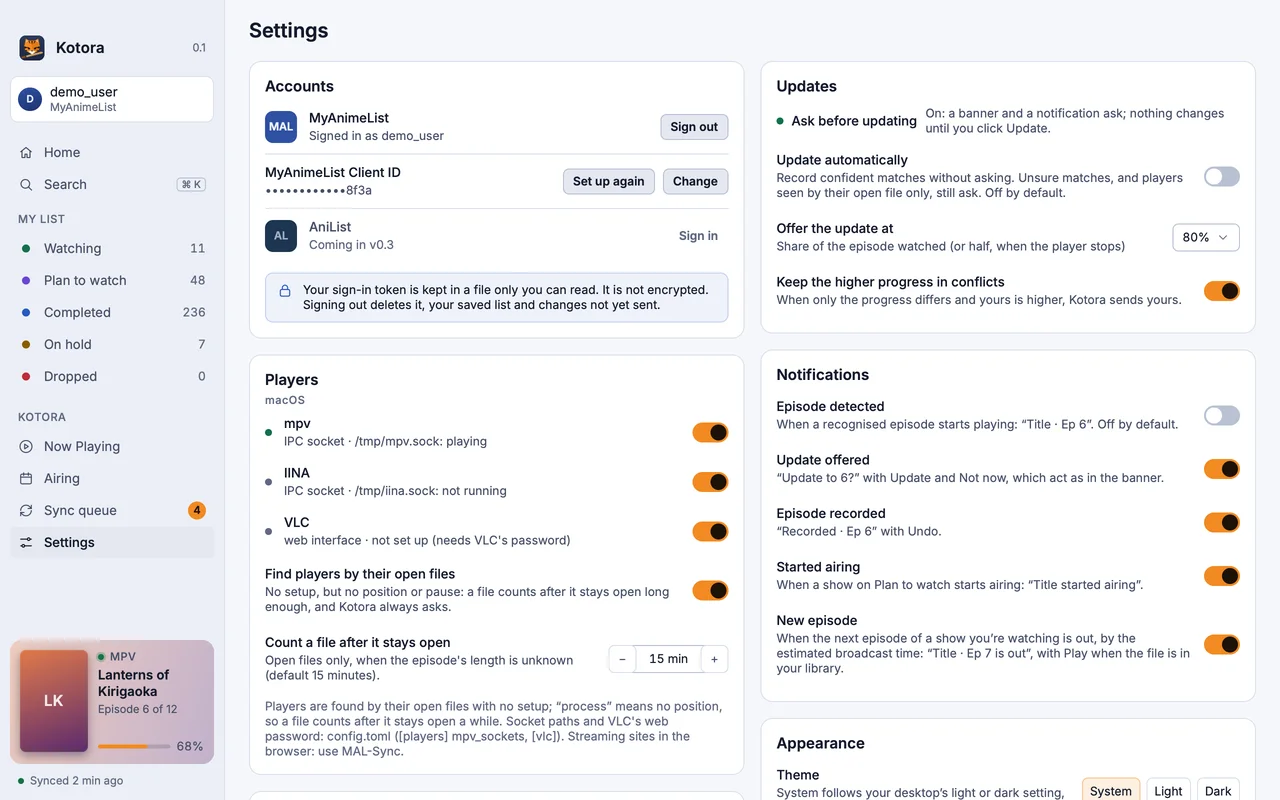
mpv, VLC, mpc-qt, Celluloid, Haruna and SMPlayer, and other players that report the open file over MPRIS. Kotora finds them by the video file they have open, with no setup.
Yes. Kotora runs on Wayland and X11. Detection doesn't read window titles, so it works the same under GNOME, KDE Plasma, Hyprland, sway and others.
No. mpv is seen by its open file. Precise detection, which adds one line to mpv.conf for the exact position, is optional and only happens when you click it in Kotora.
Not yet. Today there is the AUR (kotora) and install.sh, which builds from source on any distro. An AppImage is planned for a later version.