A MyAnimeList desktop app that updates episodes for you
Kotora is a desktop client for your own MyAnimeList list. Watch in your usual player and it offers to record the episode, so your MAL progress stays right without opening a browser tab. Free, open source, for Linux and macOS.
Signs in on MyAnimeList’s own page · never sees your password · not affiliated with MyAnimeList
Kotora
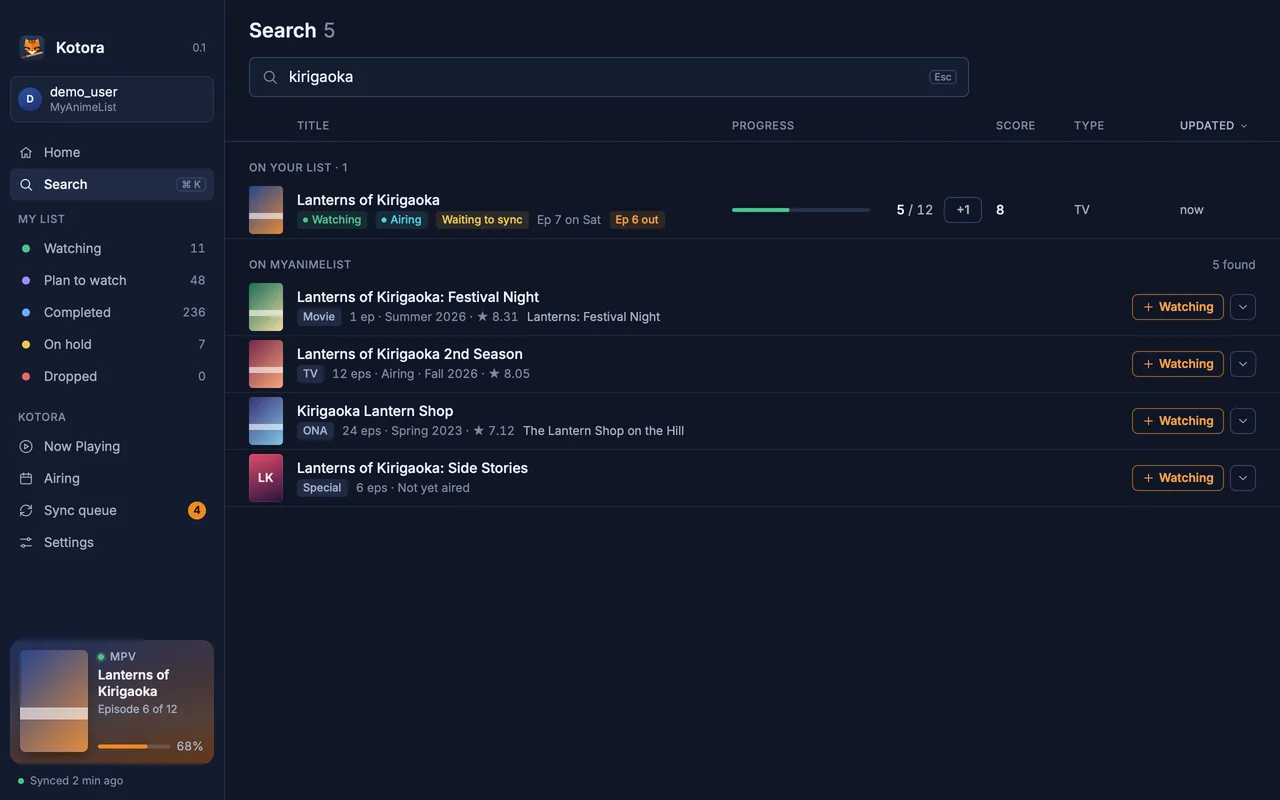
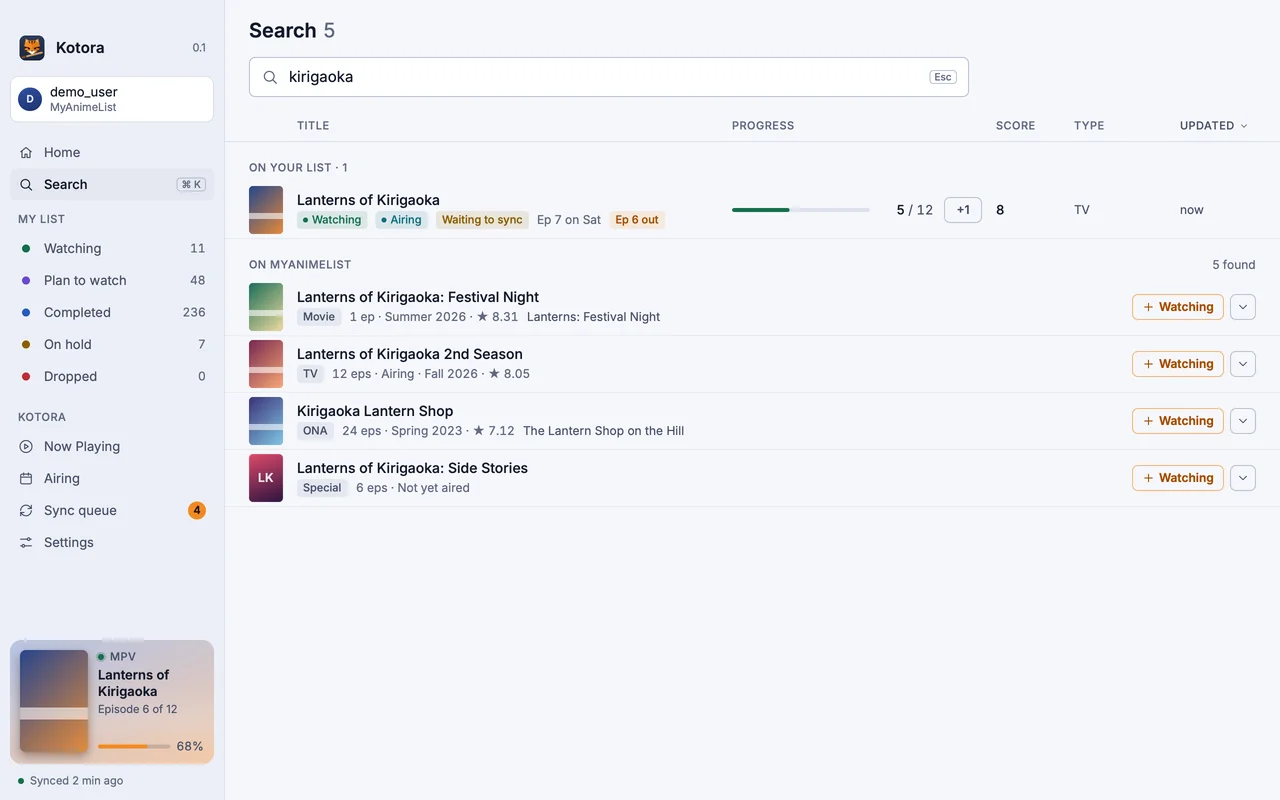
Search MyAnimeList from the app. Your own entries come first; anything else adds in one click.
Your whole list, in a window
Watching, Plan to watch, Completed, On hold, Dropped as rows, a grid of covers or large cards, with progress, score, airing days and a +1 on every show.
Search and add. Search your list and MyAnimeList together (Ctrl K), or paste a MAL link, and add a title as Watching or any other status.
A page for every anime: score, rank, studios, genres and synopsis, with your own entry beside it to edit.
Airing: this week’s episodes and this season’s shows from MyAnimeList, with yours marked.
Profile: your MyAnimeList numbers and scores.
Auto-update episodes, but it asks first
Kotora sees the episode you play in mpv, IINA, VLC, mpc-qt and other players (Linux, Mac). When the episode counts as watched, a banner asks “Update to 6 / 12?”. One click and it is recorded. Record the last episode and the entry becomes Completed; start a Plan to watch show and it moves to Watching.
If you trust it, switch on Update automatically. It is off by default, and even when it is on, Kotora still asks when the match is unsure, an episode would be skipped or it hasn’t aired yet. Every automatic update has Undo.
Offline-first sync
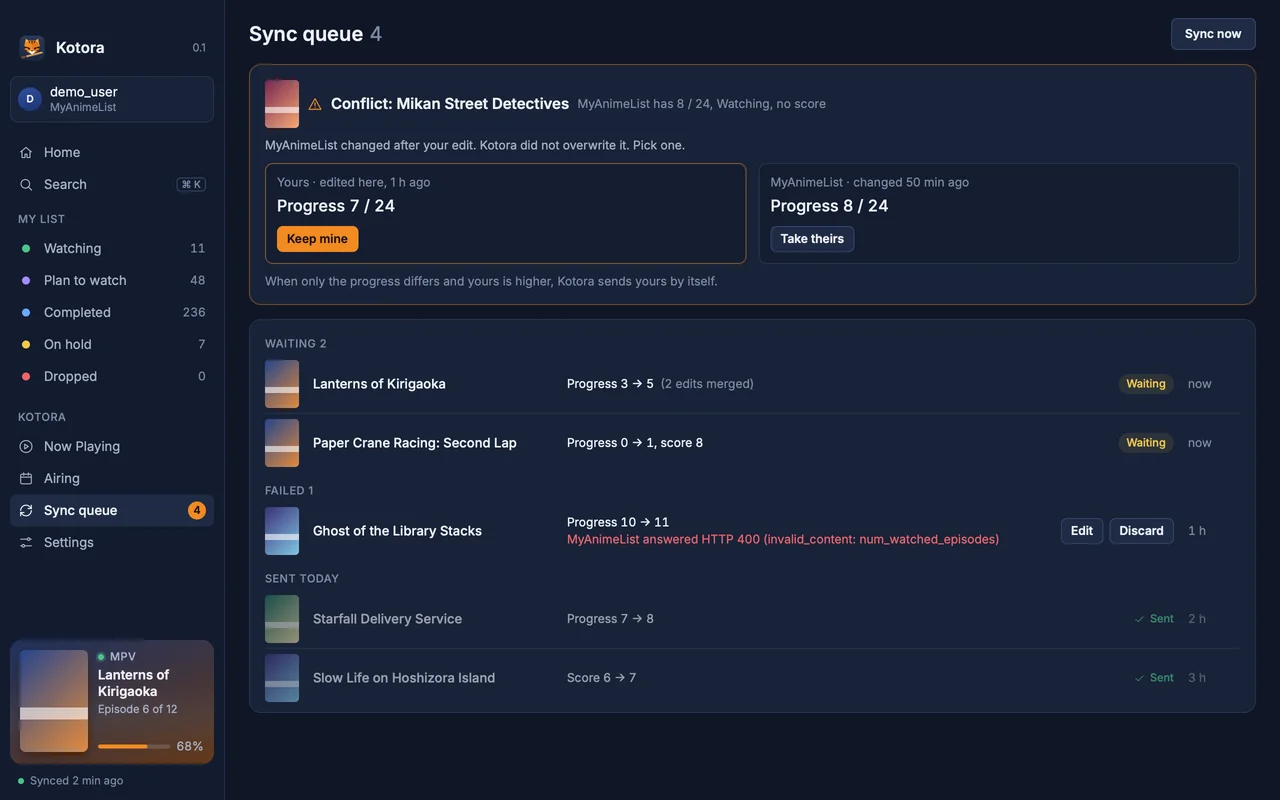
MyAnimeList stays the source of truth: Kotora only keeps a local copy and a queue of your changes, for as long as it needs them. Edits land at once, wait in a sync queue you can see, are sent in order and retried when the network is back. If something changed on MyAnimeList in the meantime, Kotora shows a conflict with both sides and lets you choose. Nothing is dropped silently.
Kotora
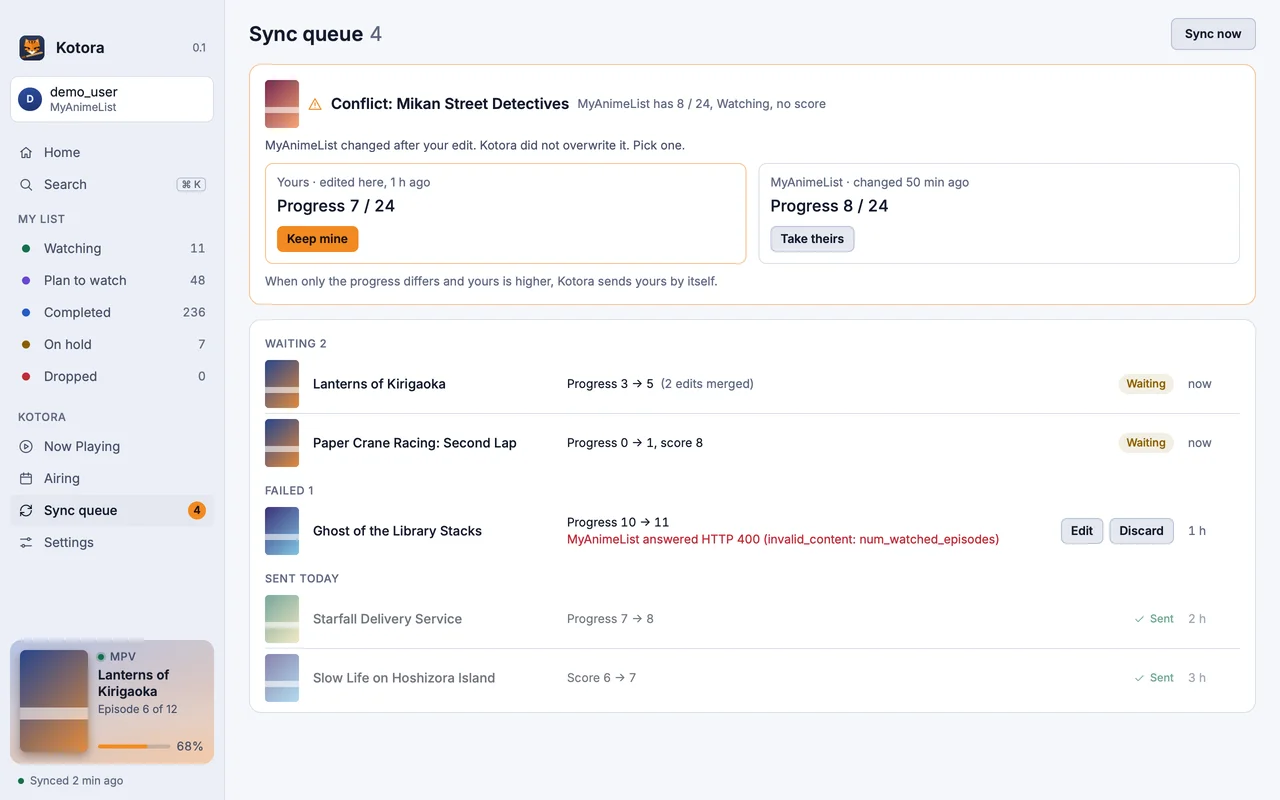
The sync queue: waiting, failed and conflicting changes, side by side with MyAnimeList.
Requests to MyAnimeList are kept under a small rate budget, and the sign-in token sits in a file only your user can read, never in the database or in logs.
Install
macOS
Disk image or Homebrew
Apple silicon, macOS 13 or later. Open the DMG and drag Kotora to Applications.
It installs kotora, kot, the menu entry and the icons, and update with your system.
Any Linux
From source
Needs Rust, git, pkgconf and a Vulkan driver.
$ git clone https://github.com/hanami117/kotora
$ cd kotora && ./install.sh
Installs into ~/.local/bin with the menu entry. Run it again after git pull to update.
At the first start you sign in with MyAnimeList. MyAnimeList asks every app user for a free Client ID; Kotora’s Welcome page walks you through it in about a minute, with no file editing.
No. Kotora is an independent, open-source client for your own MyAnimeList account. It is not affiliated with or endorsed by MyAnimeList.
Why do I need a MyAnimeList Client ID?
MyAnimeList asks every app to have its own Client ID. It is free and takes a minute: Kotora's Welcome page walks you through creating one and pasting it in. Kotora never needs a client secret.
Can it update my MAL episodes automatically?
Yes, if you turn on Update automatically in Settings. It is off by default, so Kotora asks every time. Even when it is on, unsure matches, skipped episodes and episodes that haven't aired yet still ask, and every automatic update can be undone.
Does it work offline?
Yes. Your list opens from a local copy, and edits wait in a visible sync queue until MyAnimeList can be reached. Conflicts are shown side by side.